Clock sounds
The clack of a flap, the rustle of paper. Turn sound on or off for each clock.
KOTOBA — THE TIME, IN A SINGLE SENTENCE.
Prologue
For most of the day, the big screen in your living room is a black slab. Let it hold time instead.
Clock Gallery turns your Apple TV into beautiful clocks and today’s schedule. Railway clocks, flip clocks, stained glass, clocks set in classic paintings and storybooks — every drawn clock is made from scratch, so that every minute is a picture. From November, photo and film clocks of landscapes and animals from around the world arrive two at a time, every month.
Welcome Movie
The film that plays the first time you open the app. It uses no words, so everyone, everywhere, sees the same one. Watch it again any time from About Clock Gallery.
The Collection
01 / 10
Every minute, fireworks open at the hour.
A single bent tube becomes the numbers.
On the hour, the door opens and the bird calls the hours.
It flips, it falls, it clacks.
Two koi swim through the pond as the hour and minute hands.
Light peeks through five layers of cut paper.
Each minute, one more flower blooms at the edge.
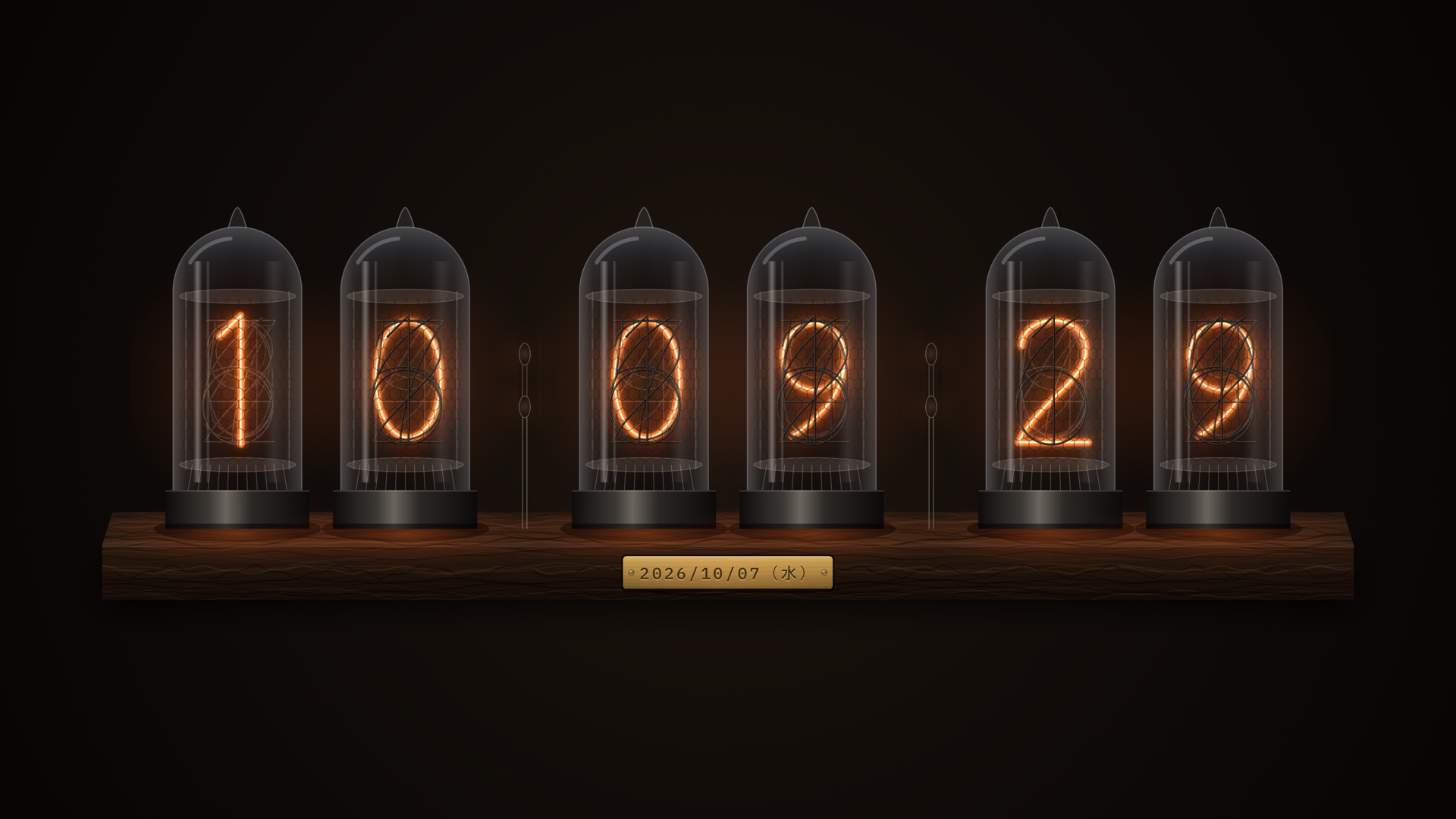
Numbers burning inside glass.
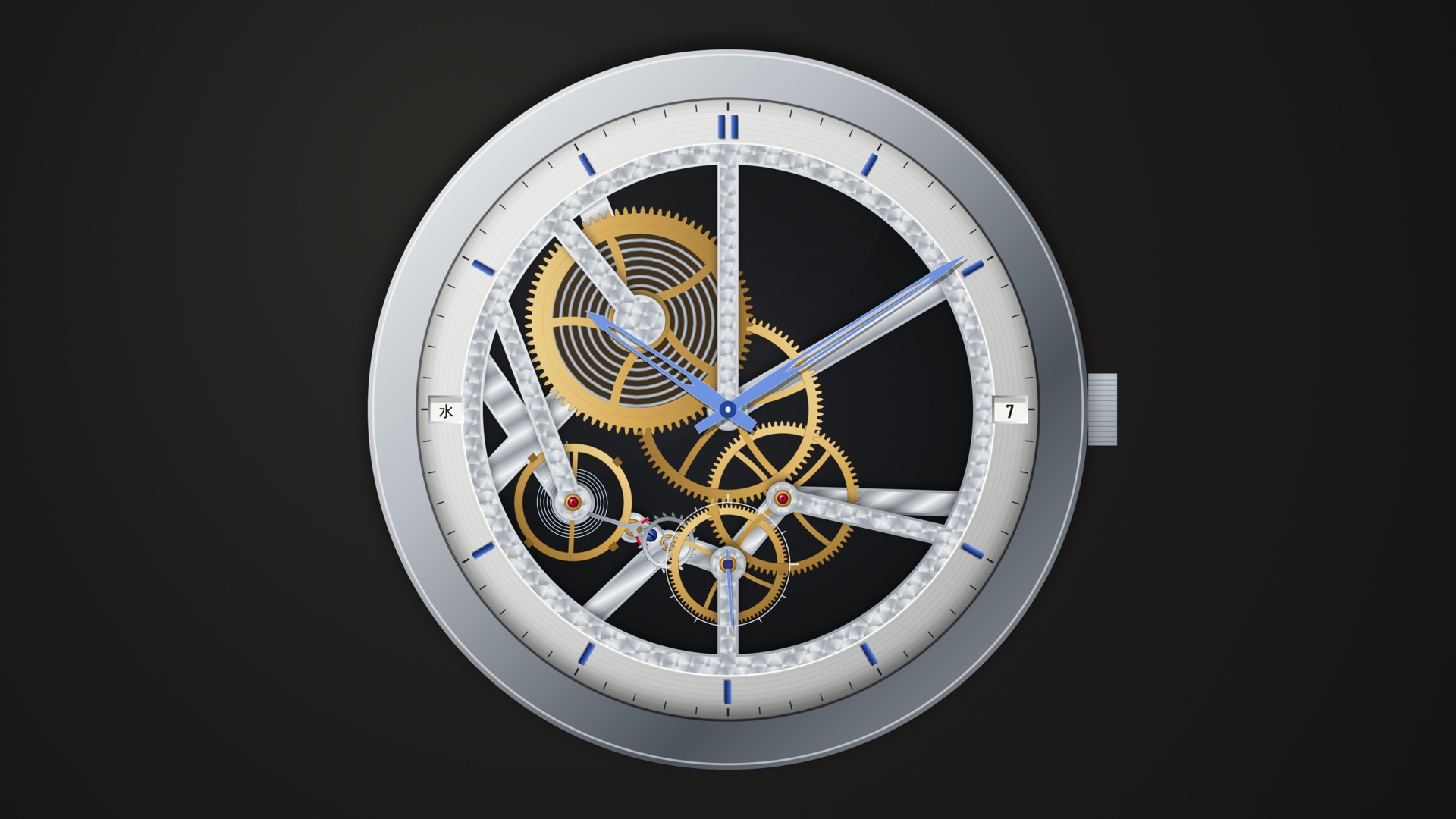
The mainspring’s force, released in eight beats a second.
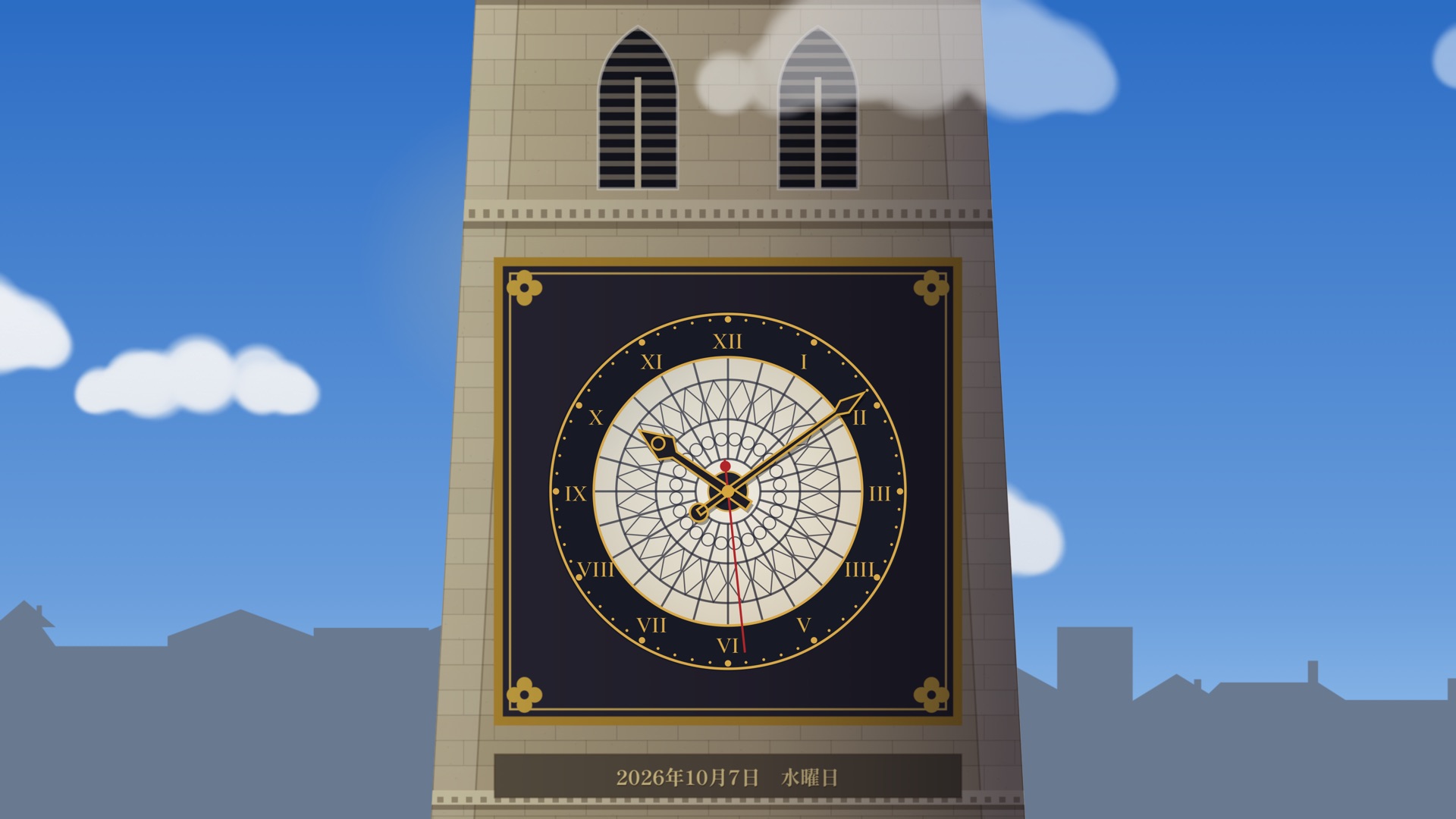
The tower reflects a whole day in your city.
Three ways of making
Classic clocks and mechanisms now in the public domain are redrawn as they were, with their history to read alongside.
Neon · Wadokei · Movement
Where a design is still protected, we kept only the idea and the heart of its beauty, and made a new clock.
Flap · Kotoba · World Map
Fireworks, koi, cut paper, watercolor — clocks born from a Japanese sense of beauty, only in Clock Gallery.
Hanabi · Koi · Kirie · Zen
Every month, together
Two new clocks join Clock Gallery every month. From November, photo and film clocks of landscapes and animals from around the world arrive too. Come back and see what’s new on the wall.
Two new clocks · every month
Halloween on October 31, Eleven Eleven at 11:11 on November 11, Christmas on December 25. On the days the whole world celebrates together, a clock made just for that day lets everyone in front of the screen celebrate together.
Halloween · 11:11 on 11/11 · Christmas
Masterpieces & Storybooks
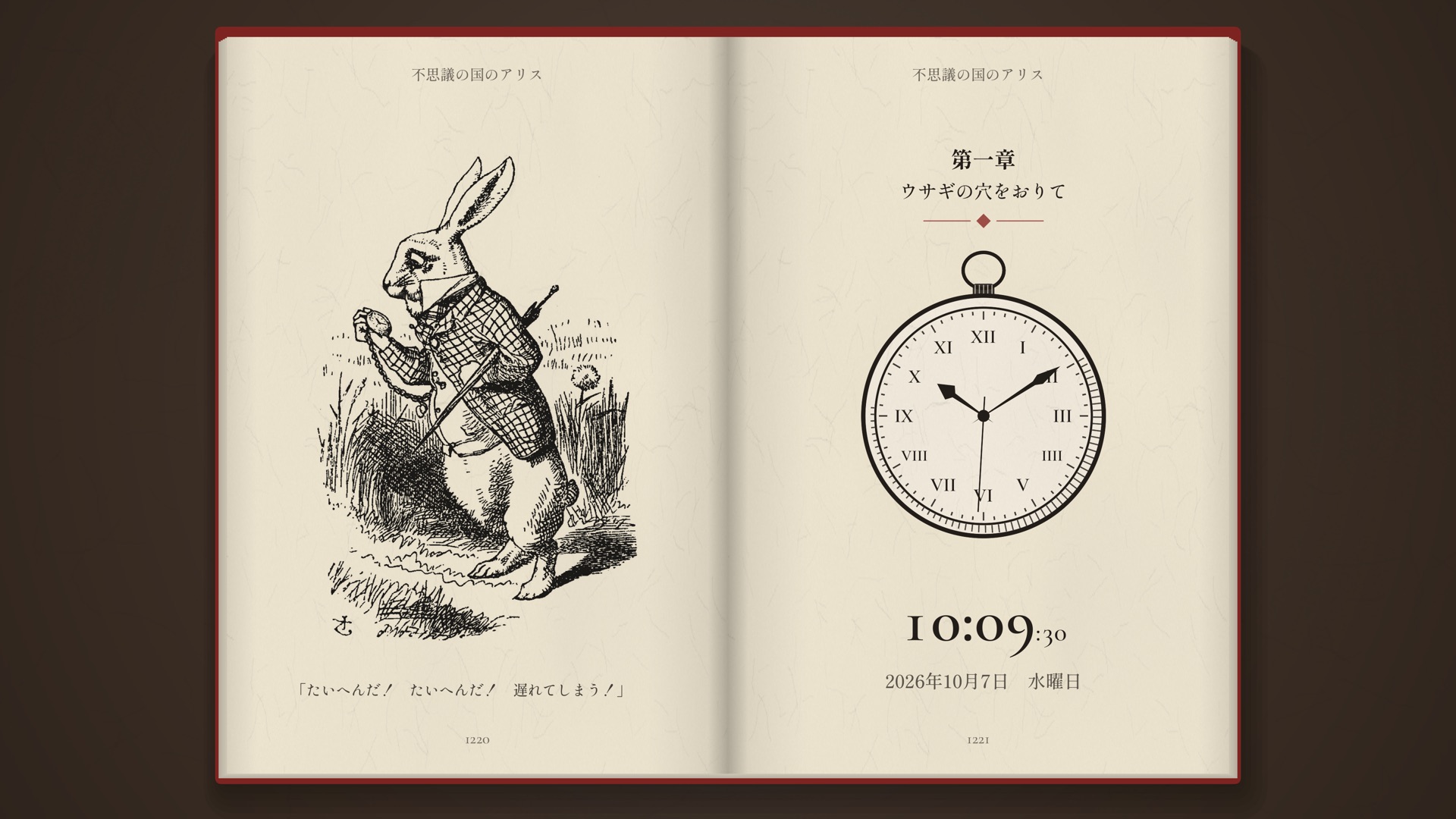
The time, set quietly inside public-domain paintings — change the work with the remote. Twelve storybook clocks turn their old illustrated pages as the time goes by.
World Map
Where the sun is shining right now, and where night has fallen.
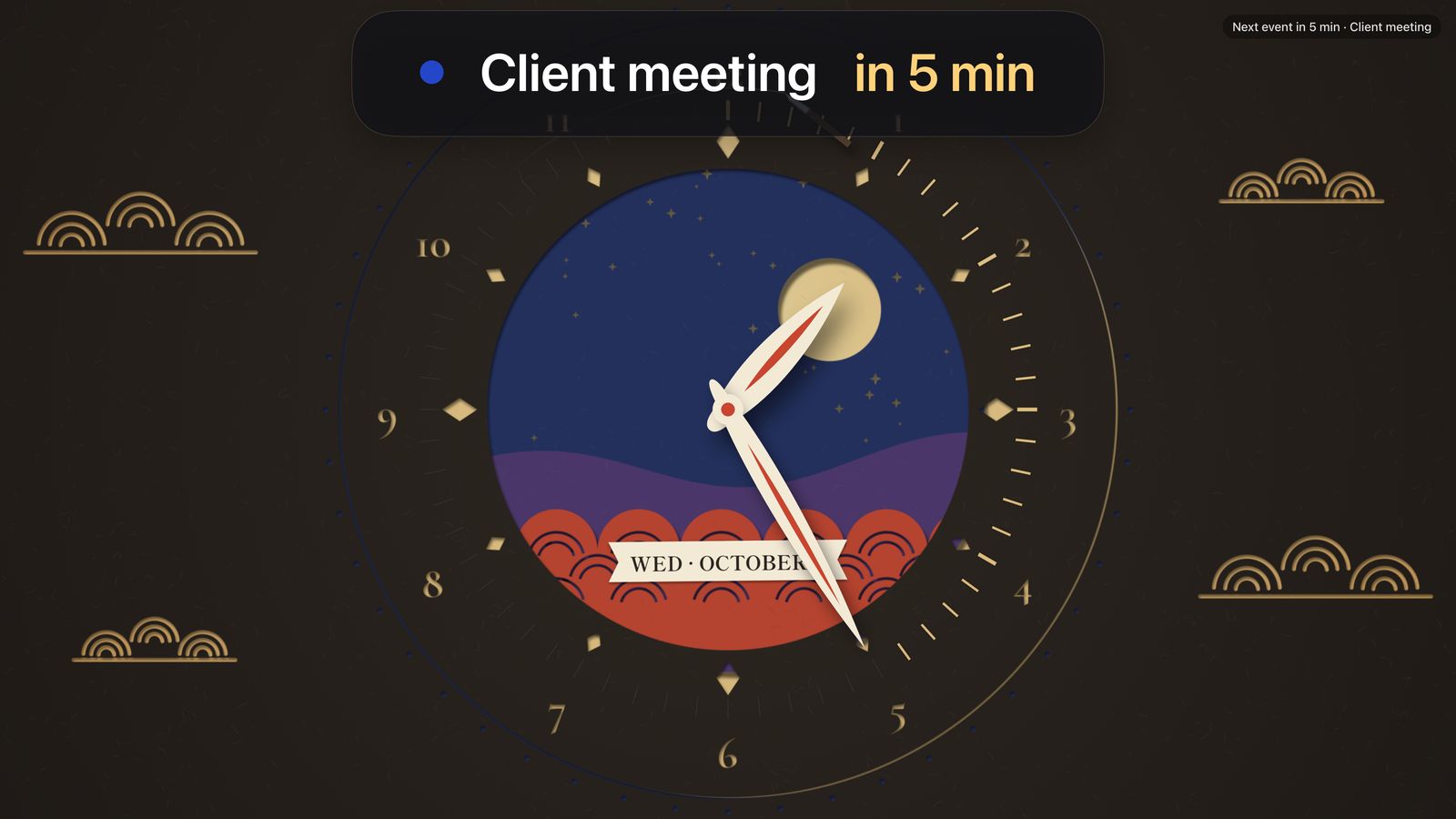
Calendar
Events from Google Calendar and iCloud Calendar, right next to the clock — a schedule in the one place you look all day when you work from home.
Clock Gallery only reads your calendar. It never changes your events and never stores them on our servers — they stay on your Apple TV. See the Privacy Policy.
All Features
Features that make each clock beautiful, and features that fit your day. Every screen shown here is the real Apple TV app.
Choose, read, refine.
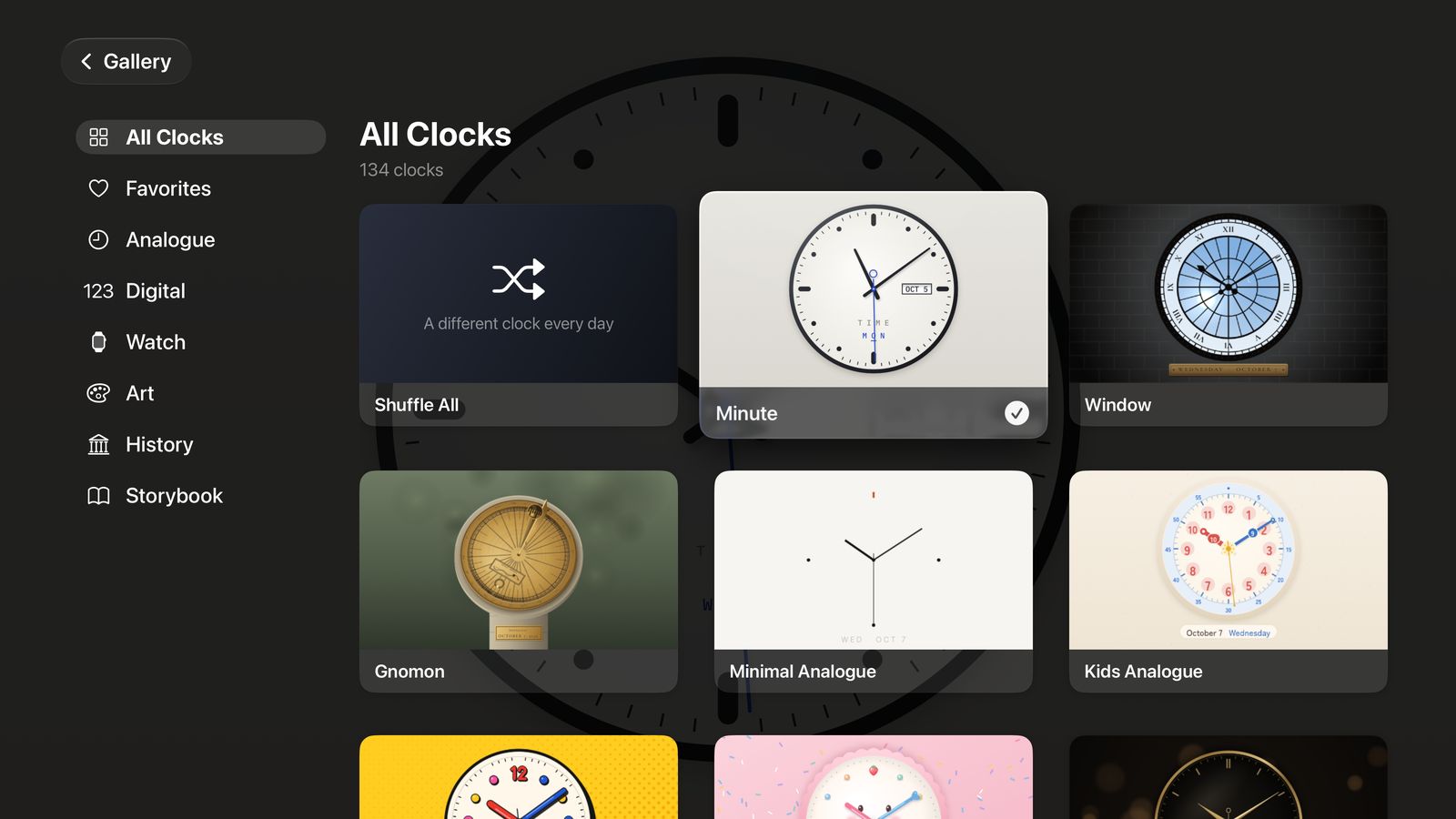
Browse more than 100 clocks by category.
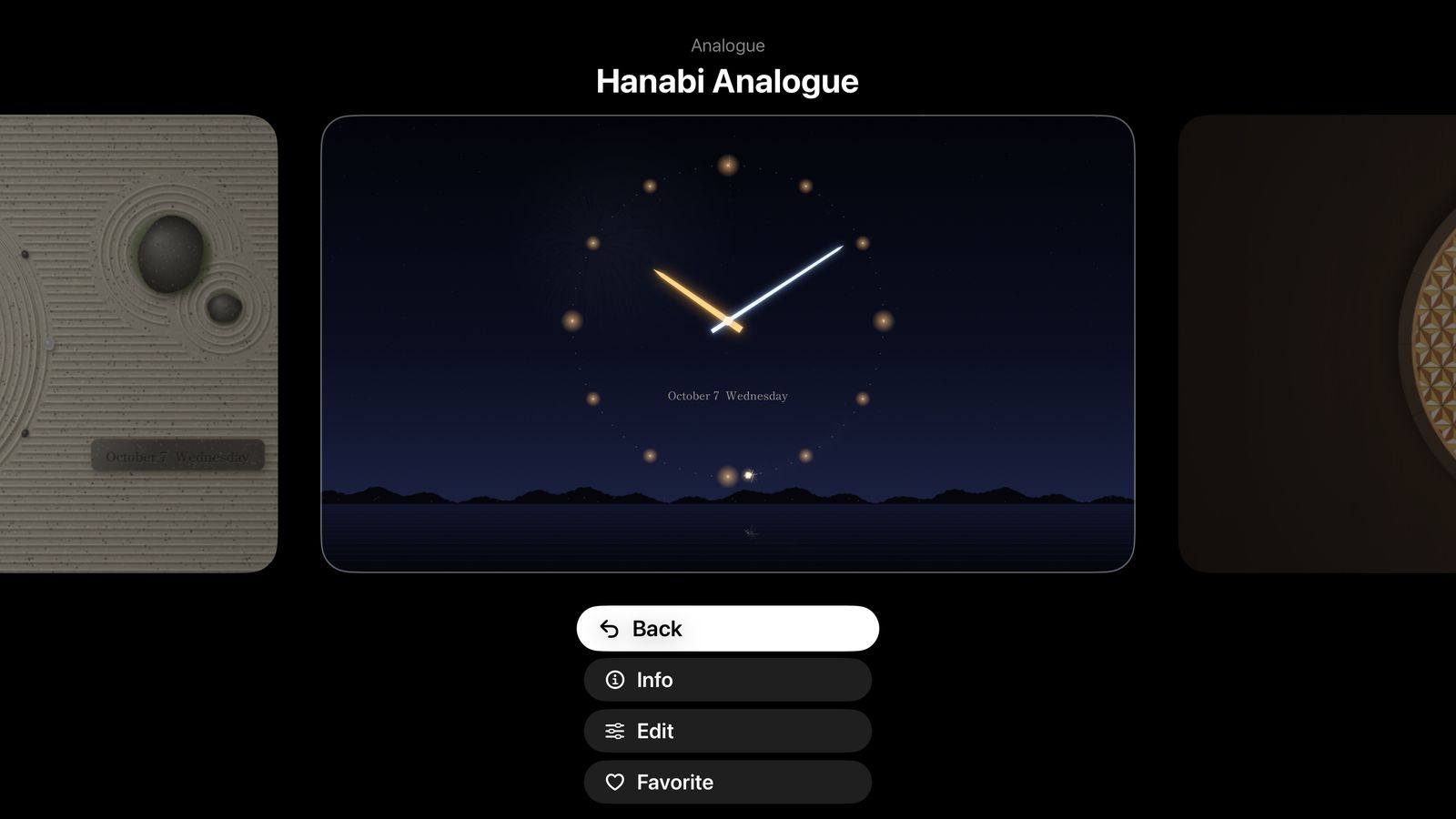
Swipe left and right and the clocks glide past — still running. See the real movement before you choose.
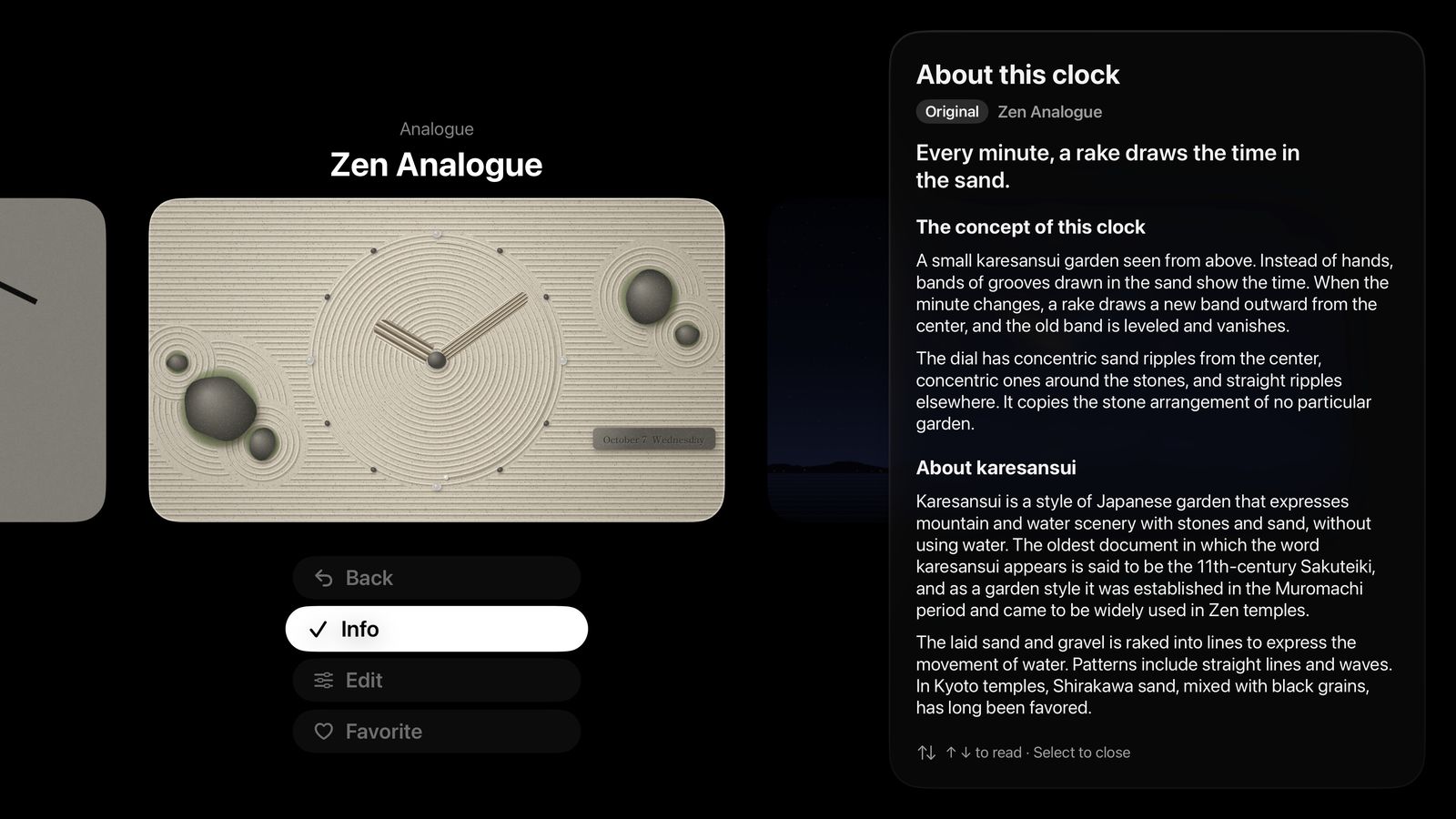
Read the story of each clock in a side panel, while the clock keeps running.
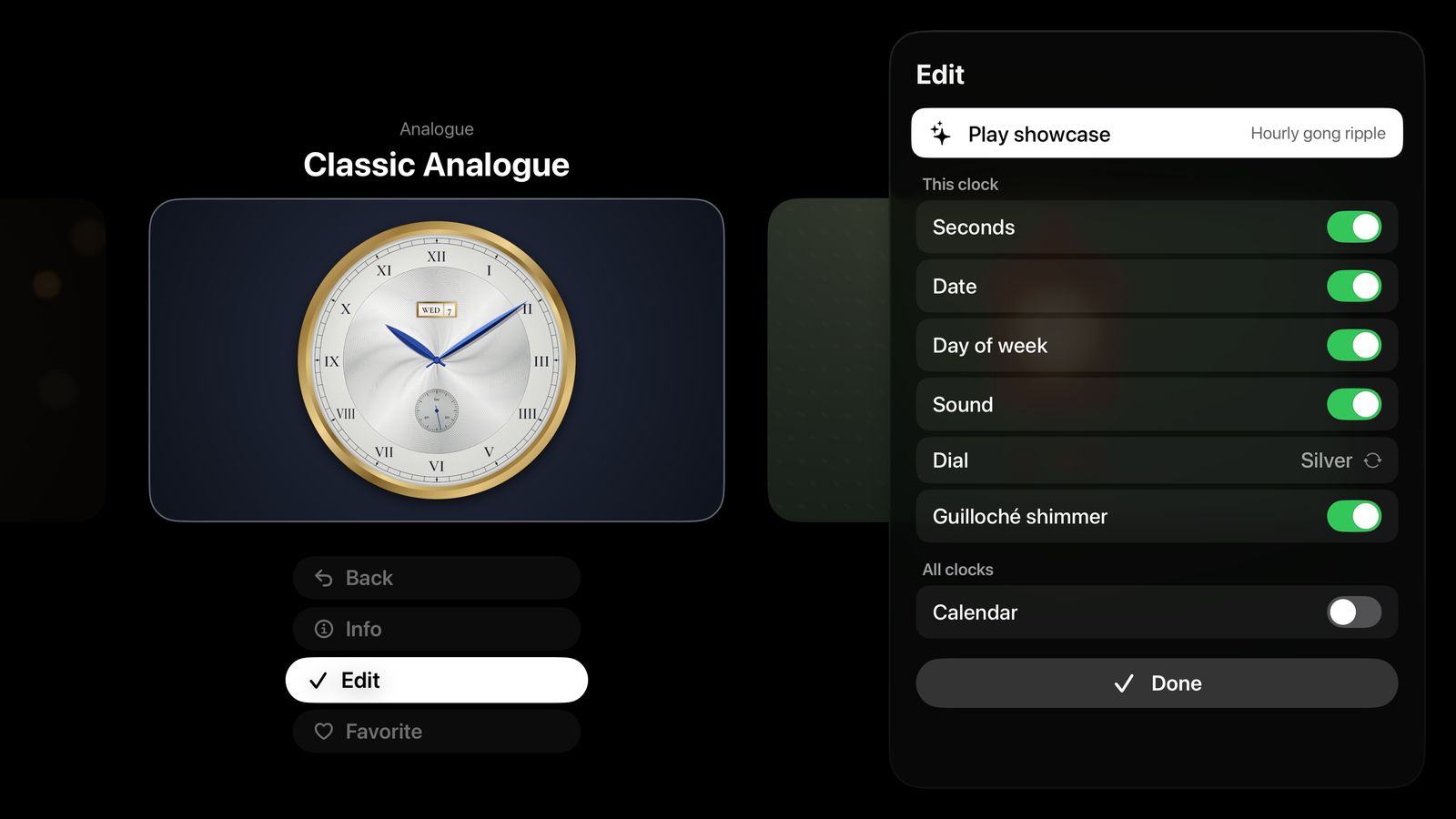
Every change shows on the clock instantly, and each clock remembers its own settings.
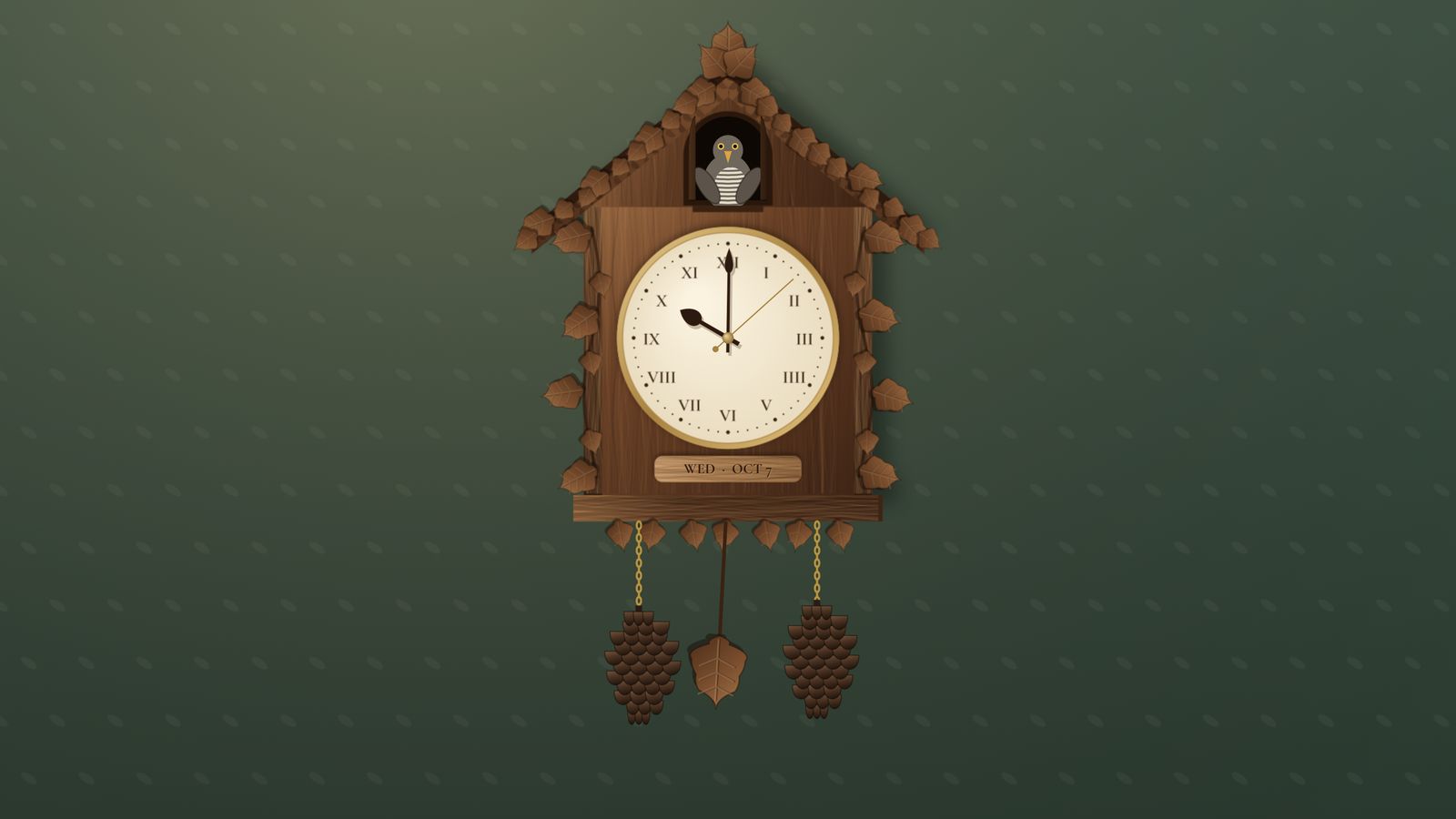
The cuckoo on the hour, fireworks every minute. Call up each clock’s signature moment any time, without waiting. Every clock has one.
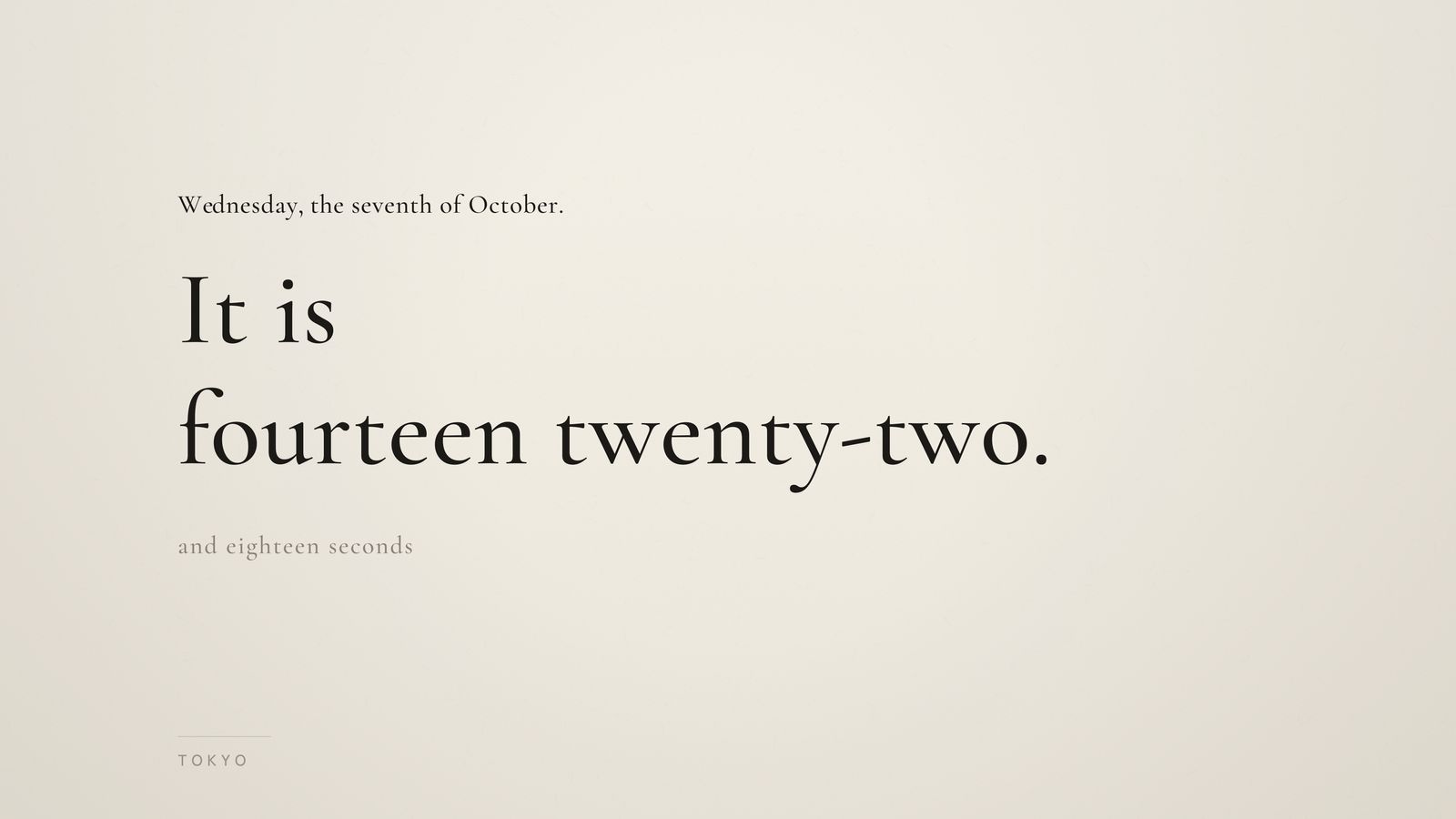
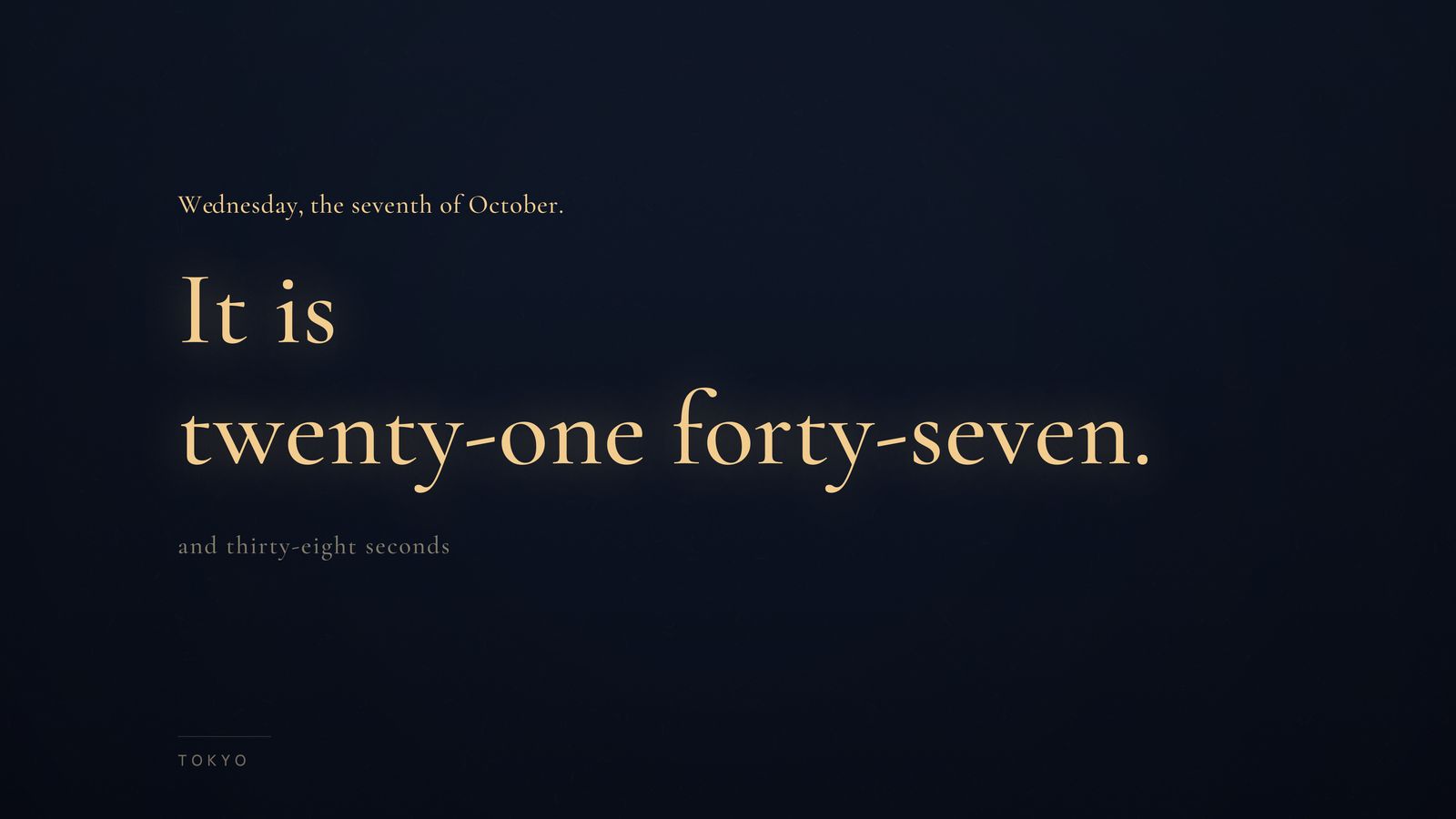
Some clocks change their ground and light through the day with sunrise and sunset in your city. Kotoba drifts from “paper and ink” by day to “night and lamp” after sunset.
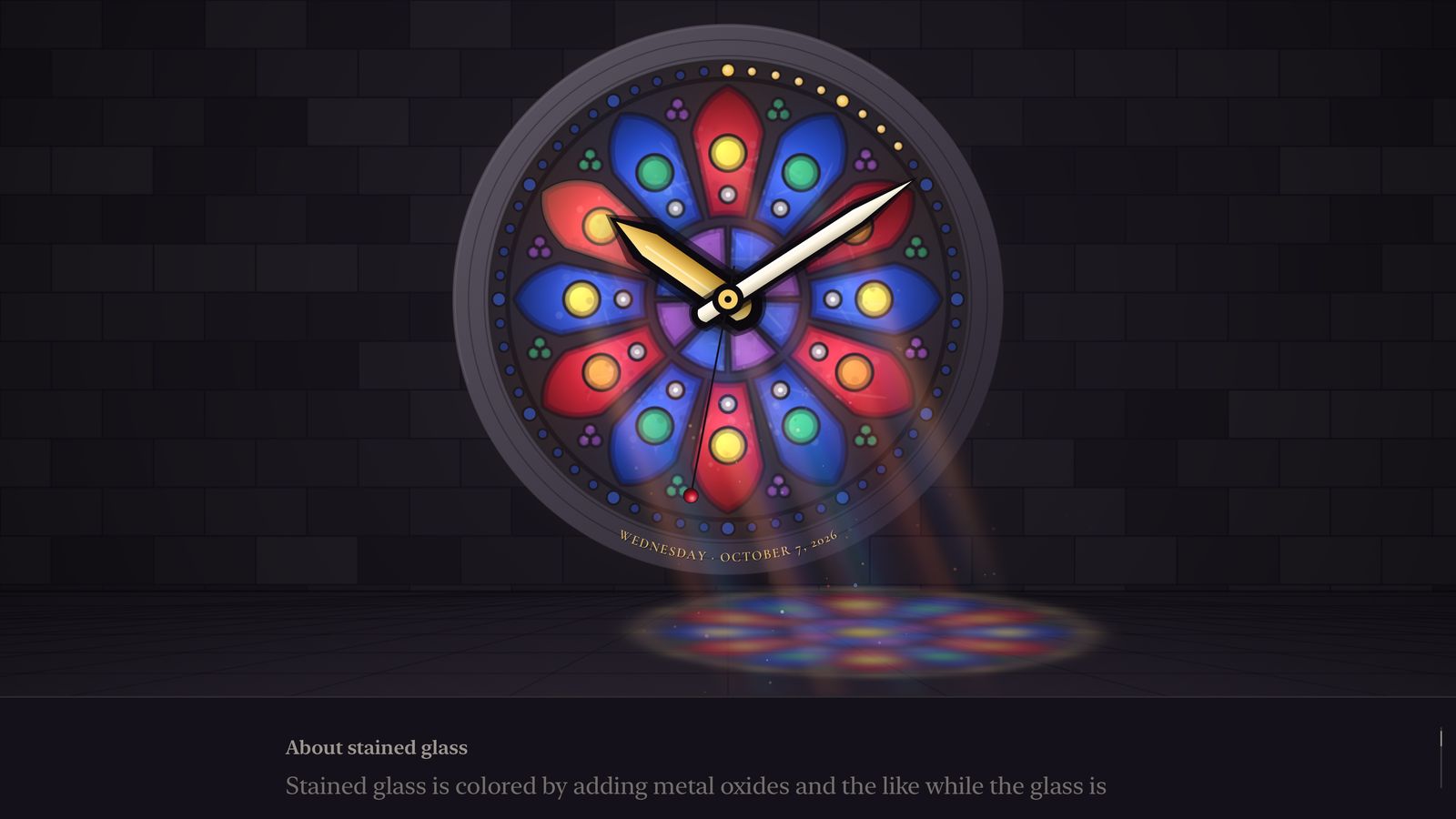
Each time you change clocks, a short introduction appears quietly at the bottom of the screen.
AND MORE
The clack of a flap, the rustle of paper. Turn sound on or off for each clock.
Glide your thumb on the Siri Remote and the clock tilts gently as light moves across it.
Effects never hide the time for more than a moment — a rule every clock follows.
Your schedule, the weather, the world, the time left.
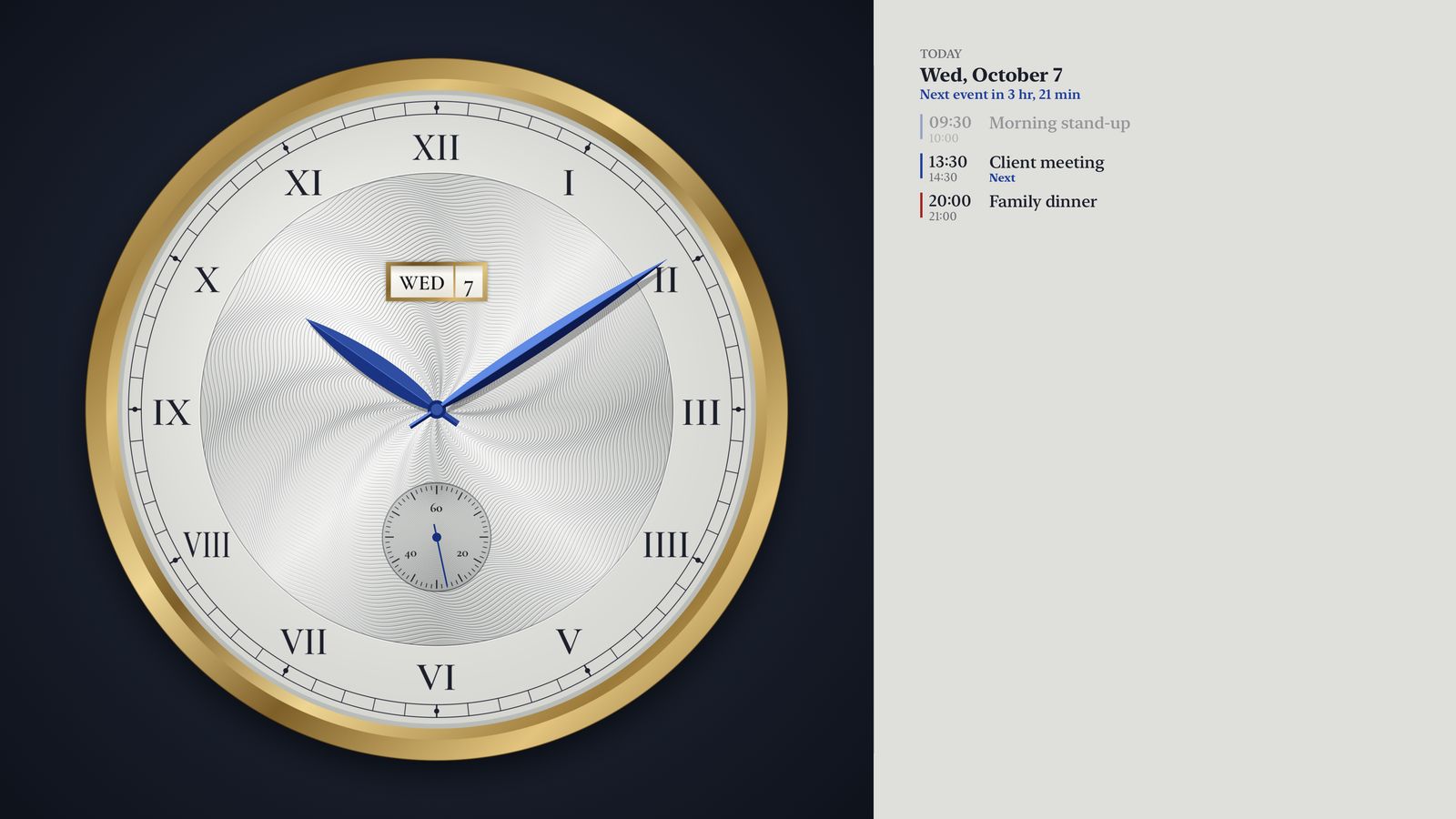
Today’s events from Google Calendar and iCloud Calendar, beside the clock.
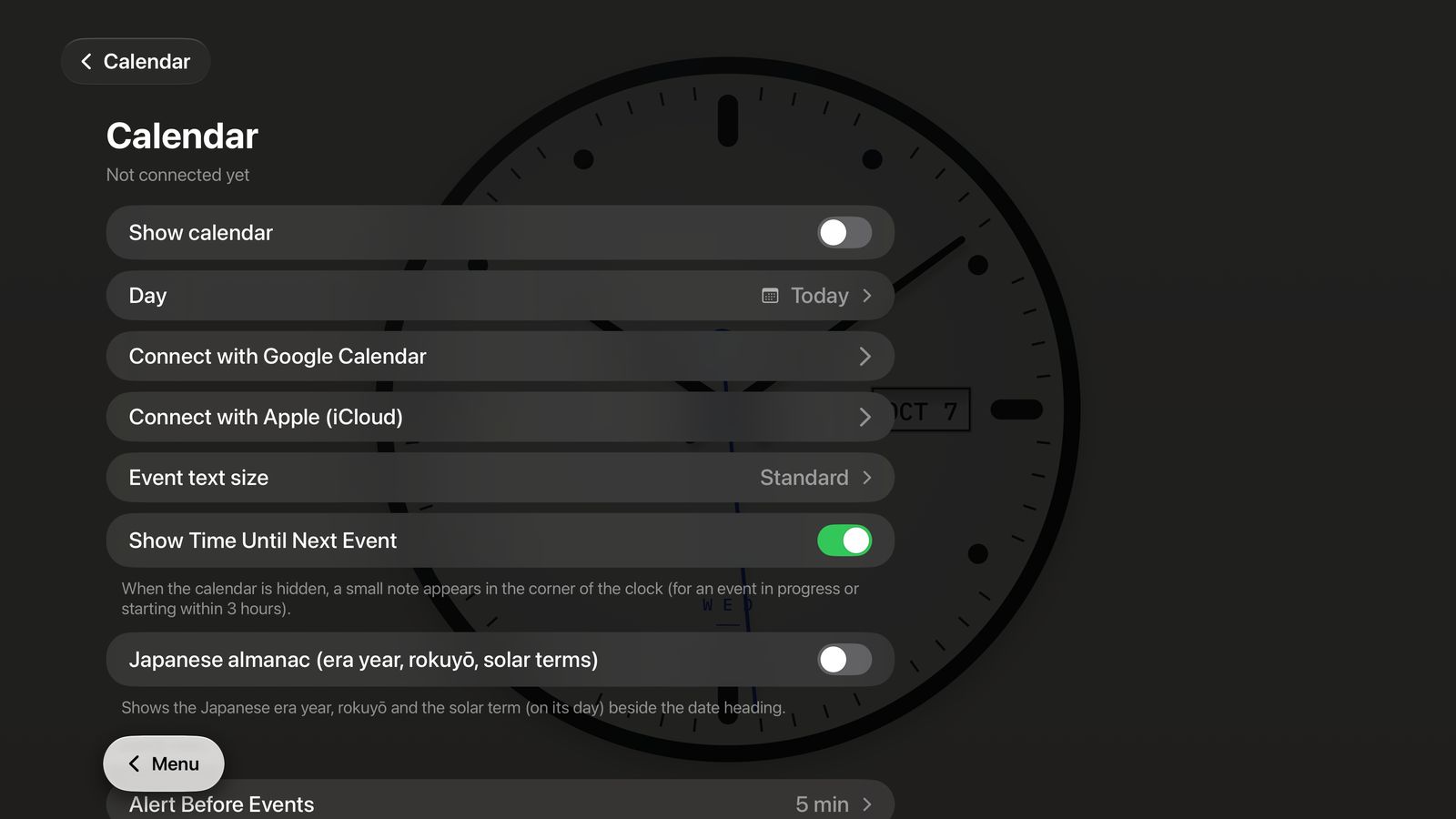
Scan the QR code on your Apple TV with your phone and sign in. No typing passwords with the remote.
Even with the calendar hidden, a small badge appears at the top as your next event approaches — “Client meeting in 5 min”. It can also show how long is left in the current one.

The current temperature in your city, today’s high and low, and the next few hours — in a band below the clock or a card in the corner.
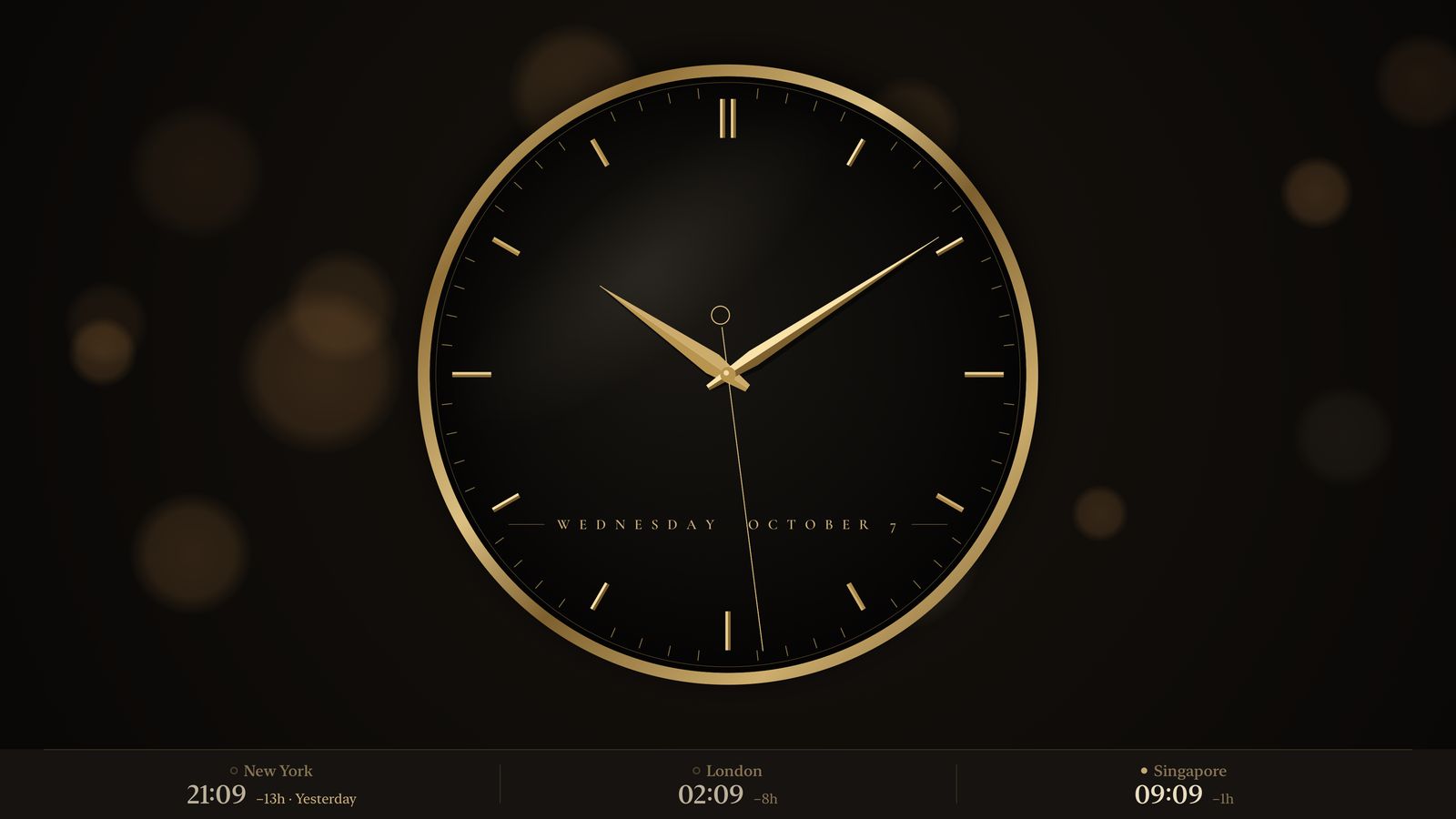
The time in the cities you work with, below the clock — day or night, the time difference, and whether it’s already tomorrow.
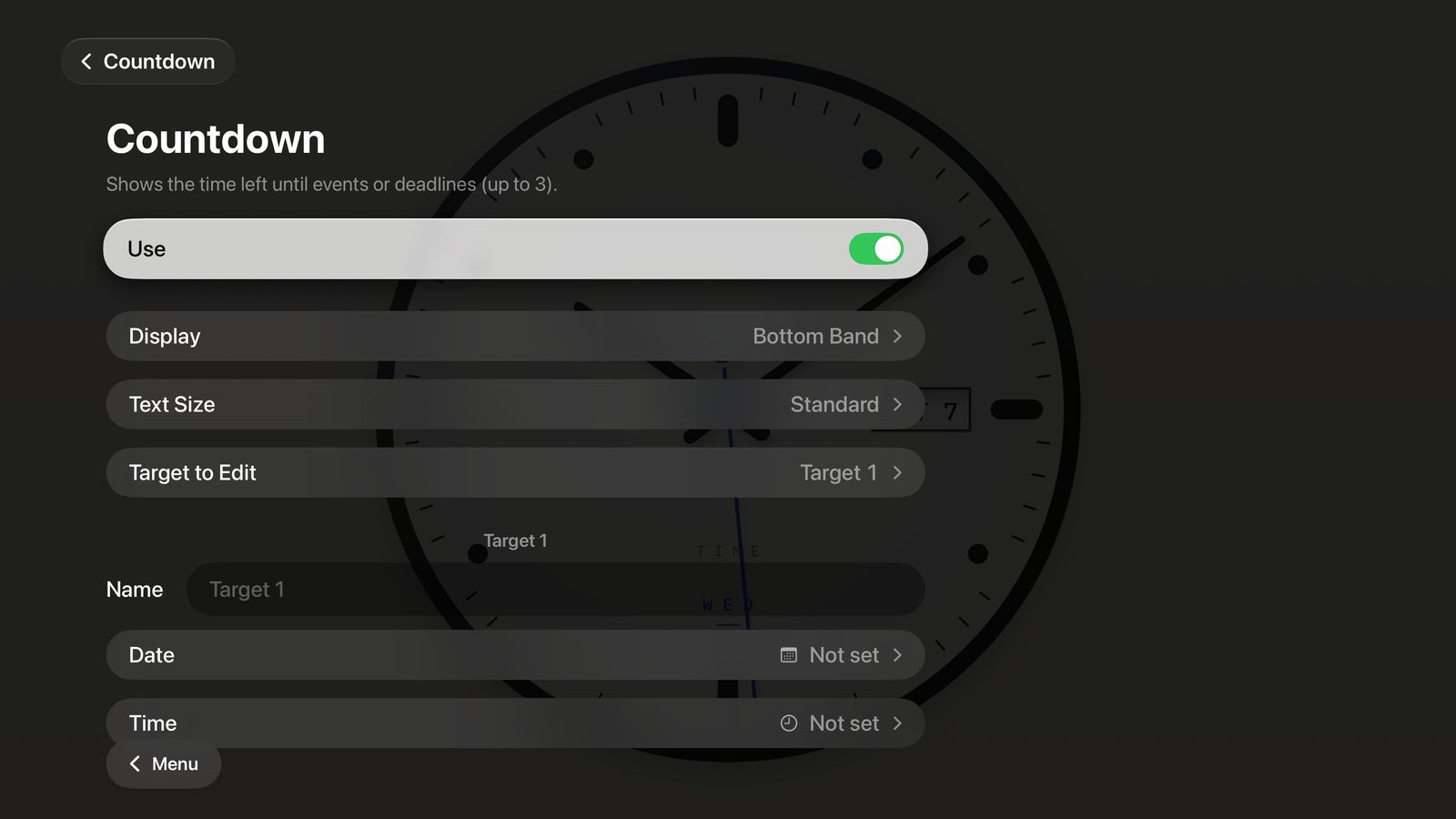
The time left until events or deadlines — up to three. Choose where it appears and how large.
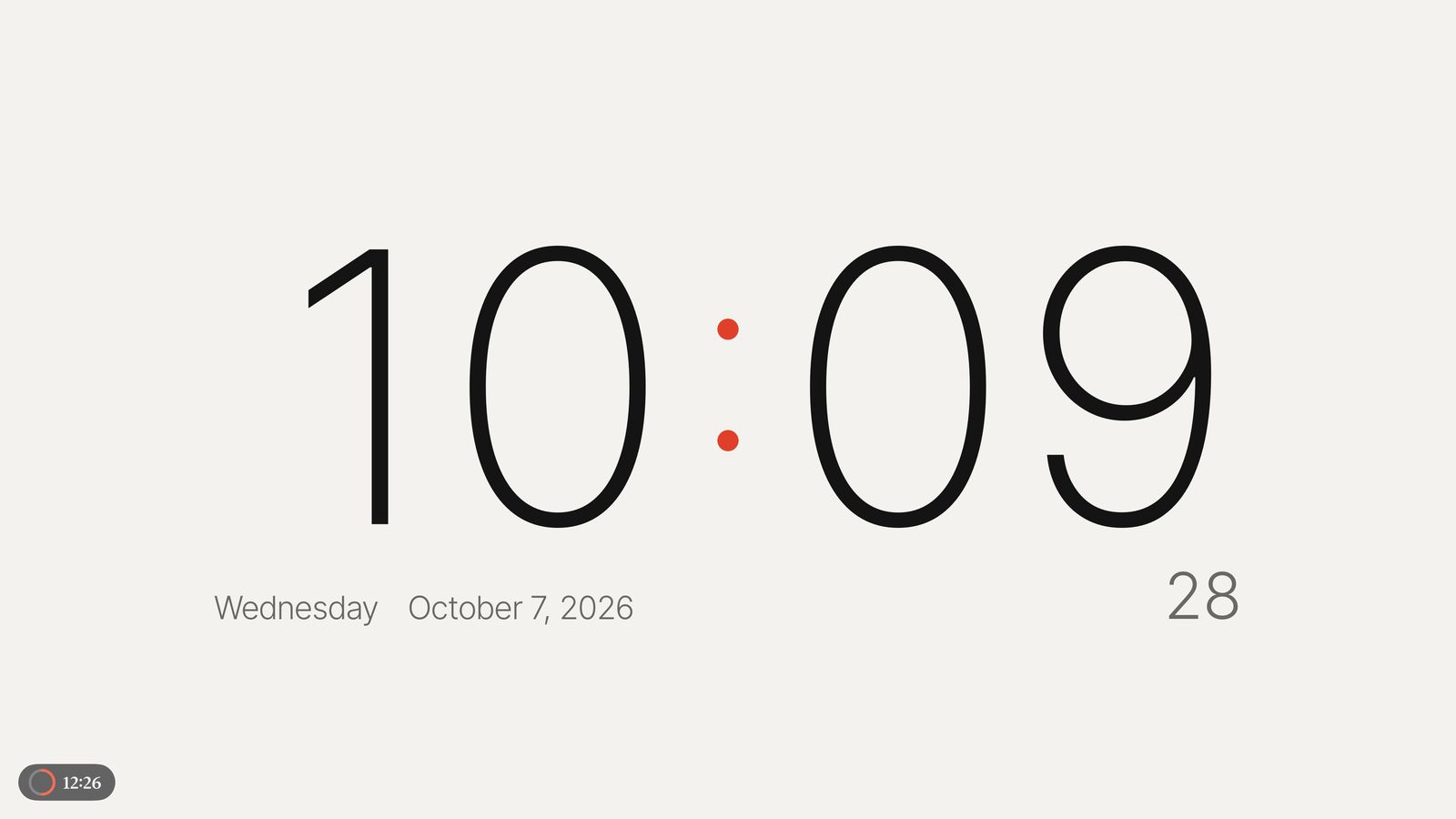
Pick the minutes and start. The time left sits quietly in a corner, and you’re gently told when it ends.
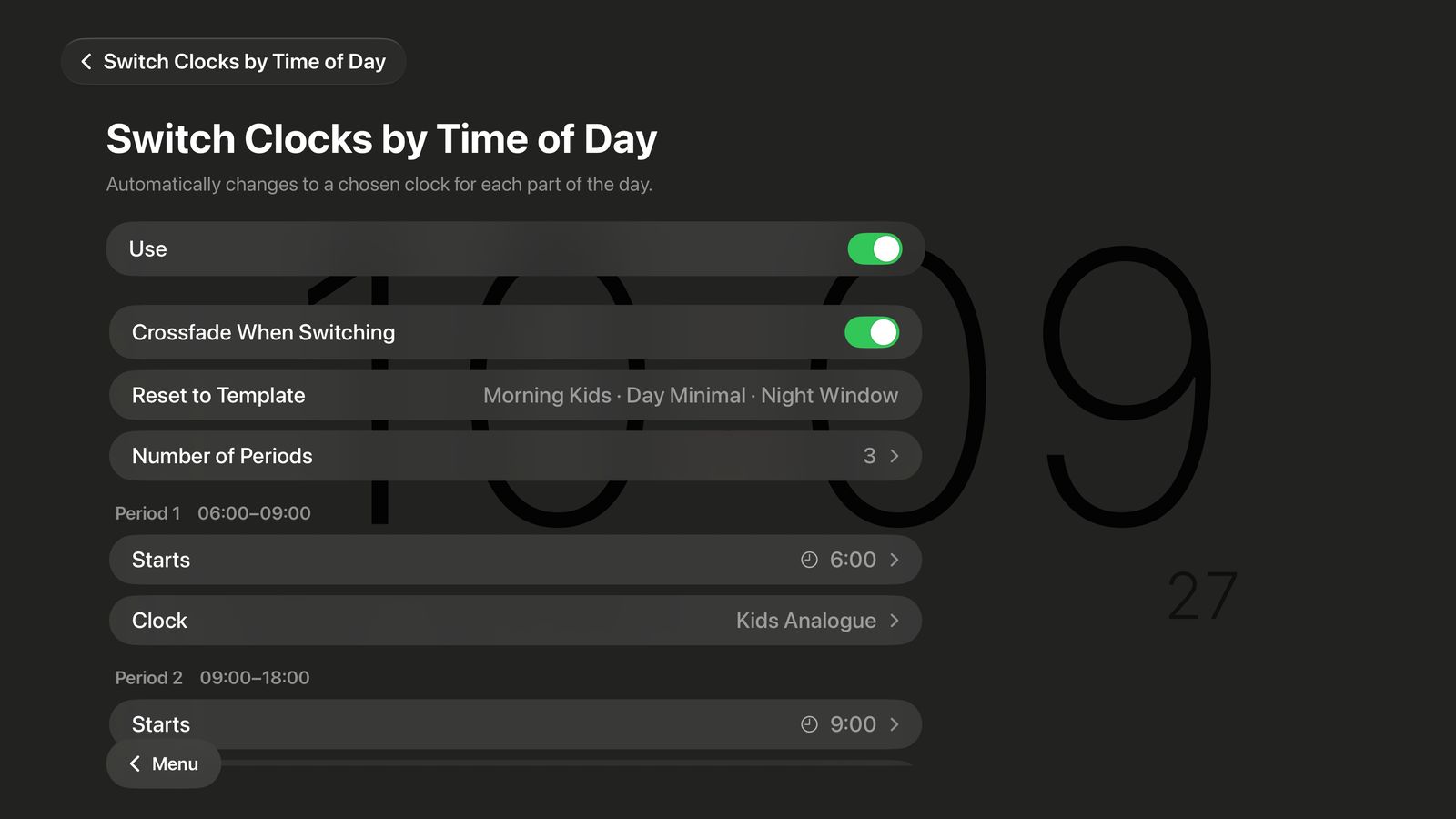
A storybook in the morning, a quiet clock while you work, a window at night. Set a clock for each part of the day, and it changes on its own — softly.
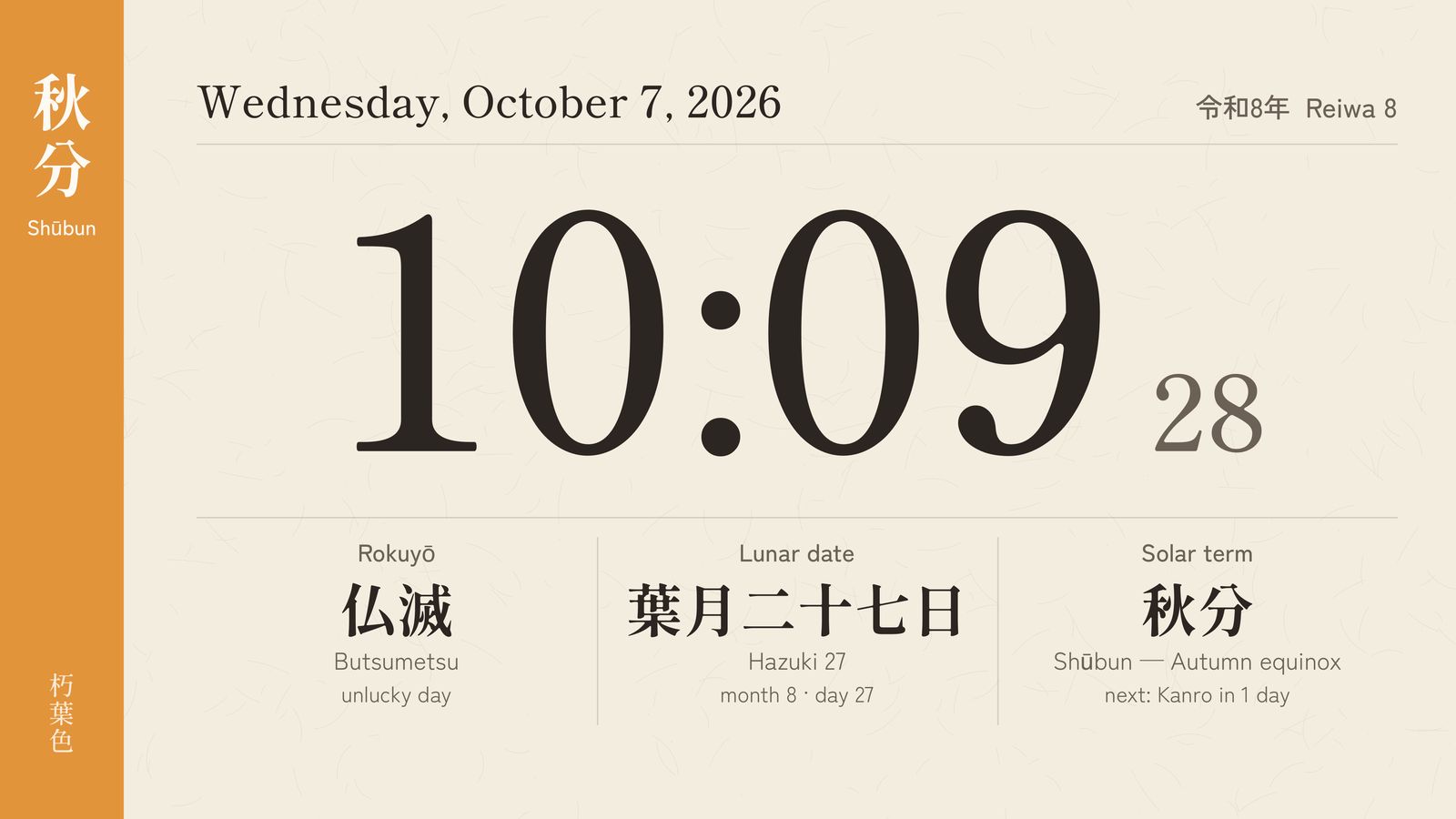
Koyomi puts the time and today’s almanac on a single sheet of washi — the Japanese era, the lunar date, rokuyō and the 24 solar terms, with the color of the season.
AND MORE
A gentle notice above the clock shortly before each event. Choose how many minutes before, and whether to play a sound.
Leave a clock on screen while your music plays on Apple TV.
Your clocks peek out from the top row of the Apple TV Home Screen.
Your clock and settings are saved the moment you change them.
Warnings, landslides, river floods, typhoons, tsunamis and earthquake early warnings from the Japan Meteorological Agency, on top of any clock.
A beautiful clock shines brightest where people gather.
“Available” or “In Use (1 hr left)”, in large type from the room’s calendar. For a screen at the door.
A timetable for each day of the week. A gentle chime at the start of each period, with “Period 3 · 10:45–11:35” and the time left.
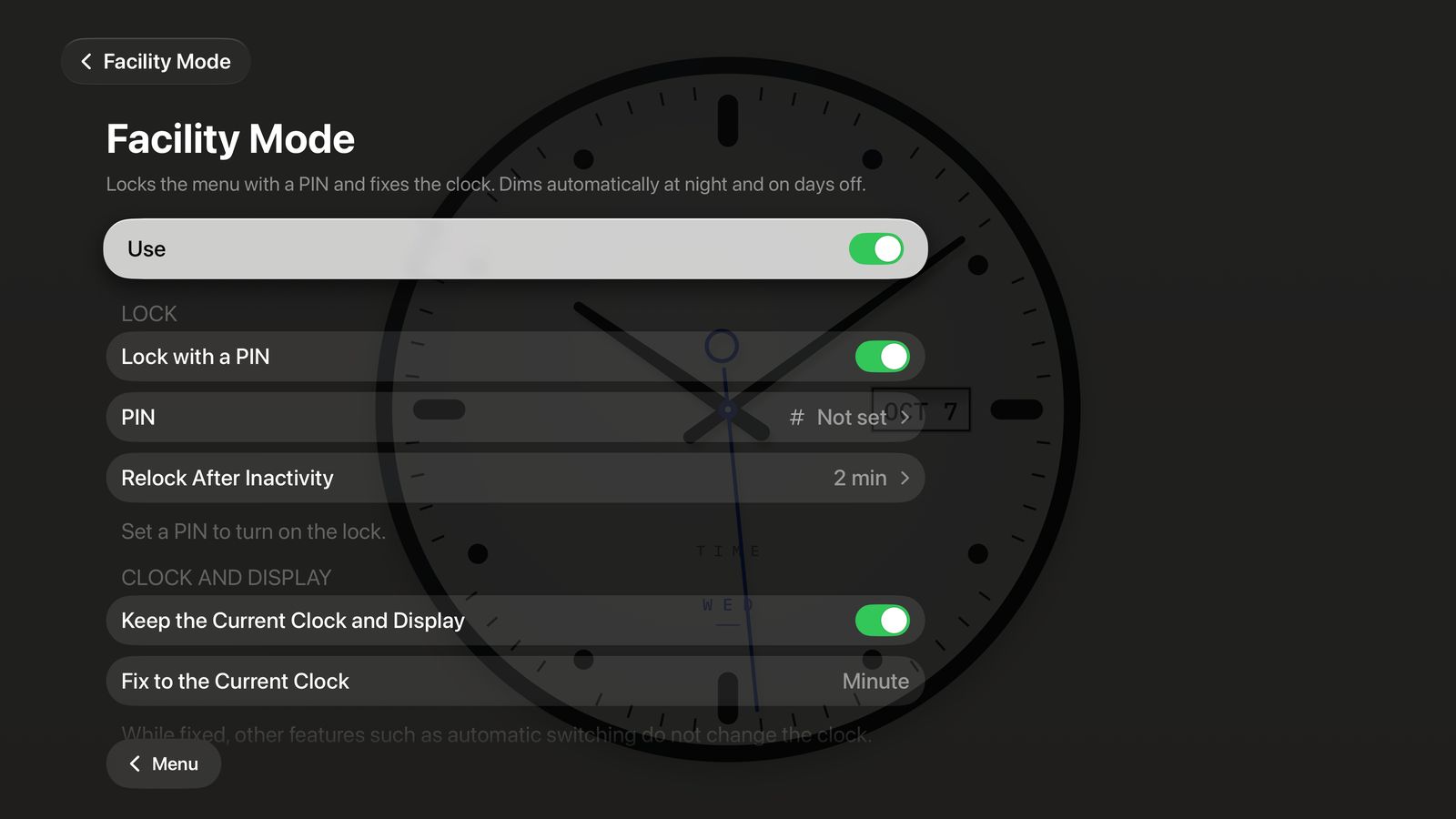
Made to be left on display.
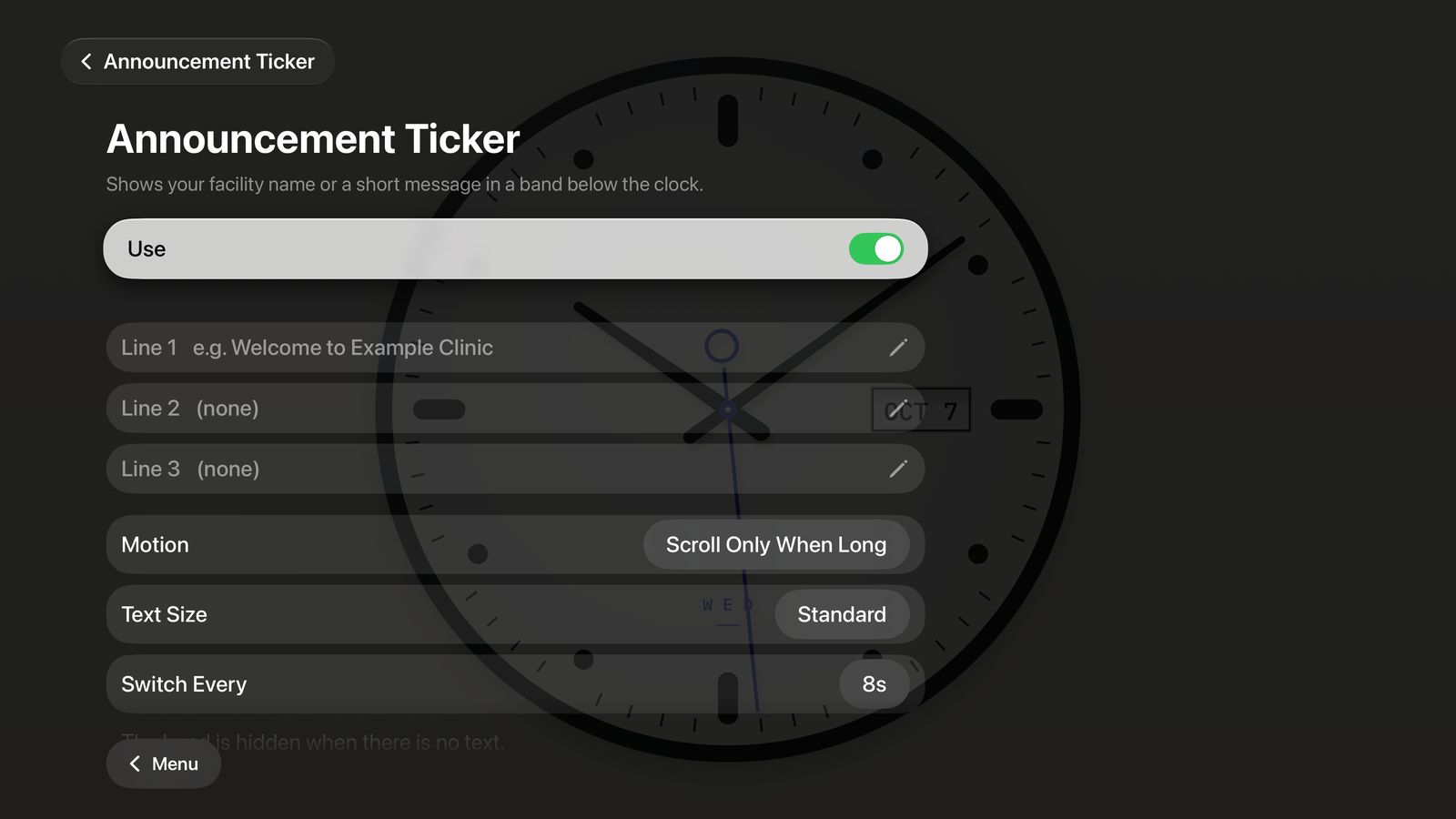
“Welcome to Example Clinic.” Your facility name or a short message in a band below the clock, up to three lines — scrolling only when it’s long.
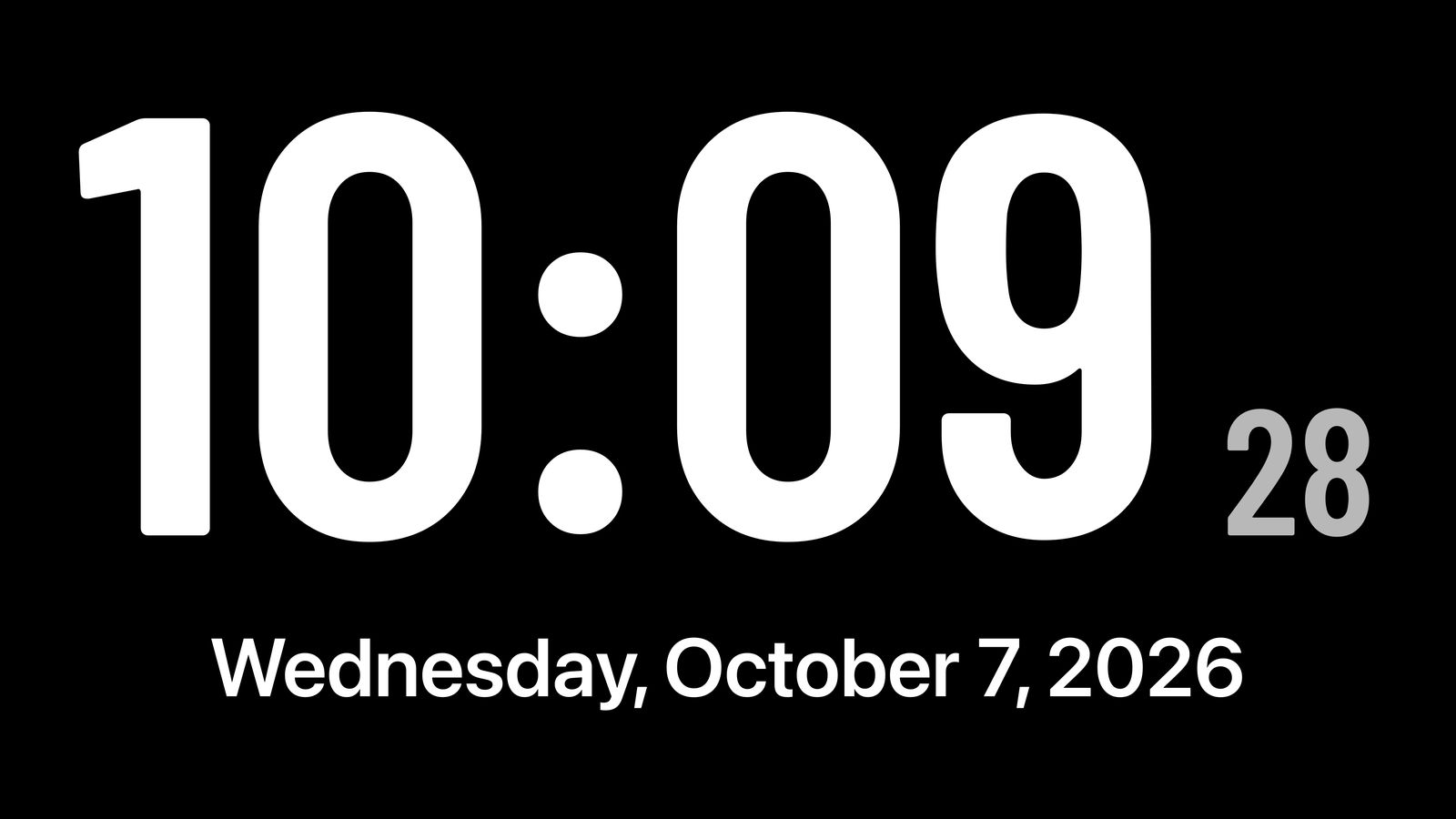
Large Display: high contrast and extra-large numbers, so the time and date read from the far side of the room.
Facility features are an in-app purchase.
Anywhere in the world, with a single remote.
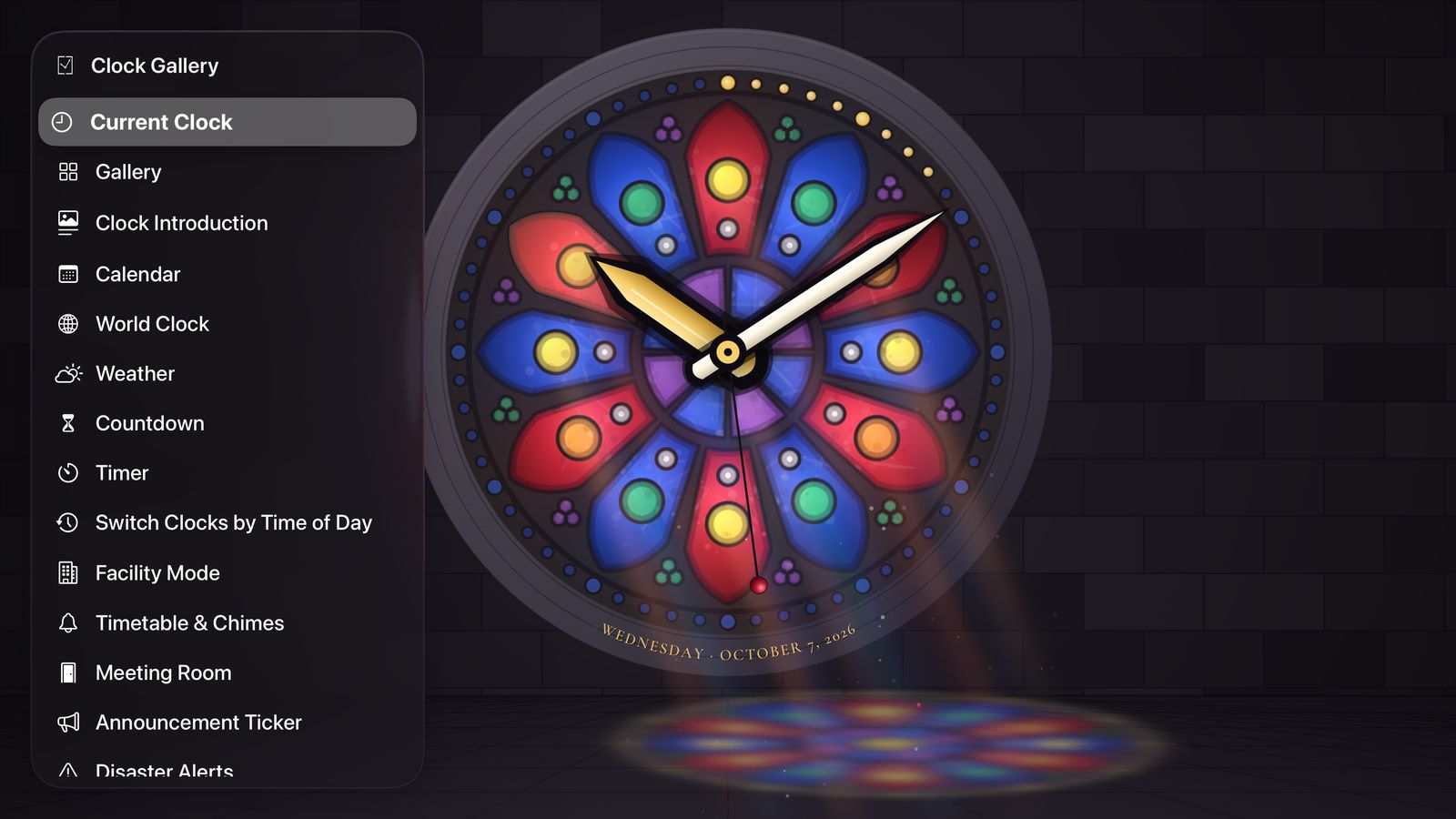
Left and right to change clocks, up for the story, down for settings, click for the menu. Menus and panels are translucent glass that never hides the clock.
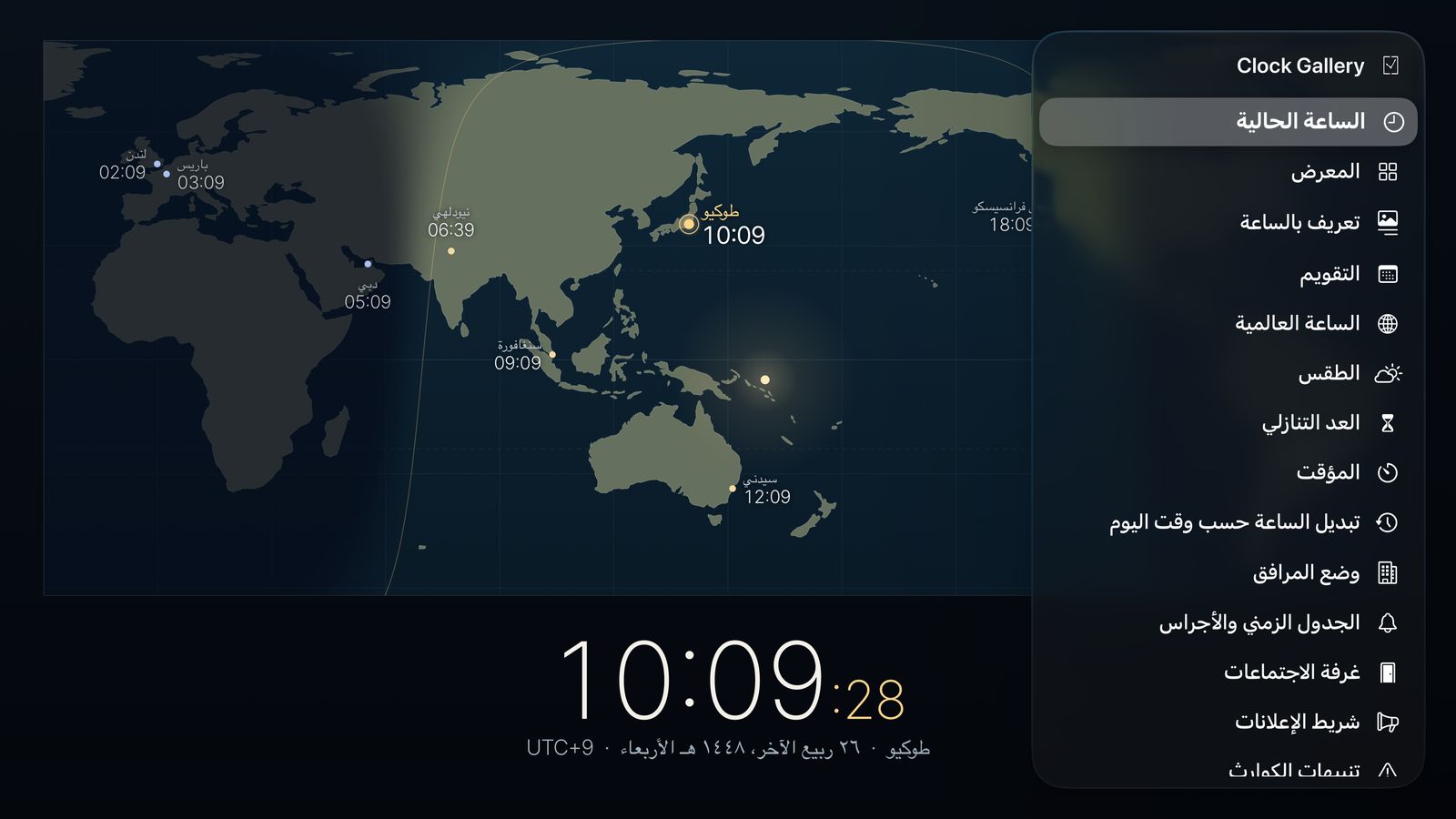
Follows your device’s language, and can be changed in the app. Right-to-left languages such as Arabic and Hebrew mirror the whole layout.
Devices
With the Siri Remote, and clocks on the Top Shelf.
Now on the App Store
With keyboard and mouse, on the screen beside your desk.
Coming soon
Portrait or landscape — a clock for your shelf.
Coming soon
For Fire TV and Echo Show 15.
Coming soon
Pricing
Start free, and buy once if you love it. There are never any ads on screen. See the App Store for prices in your country.
FREE
ALL CLOCKS
FACILITY